
How to Use AI to Grow Your YouTube Channel in 2026 (The Complete Workflow)
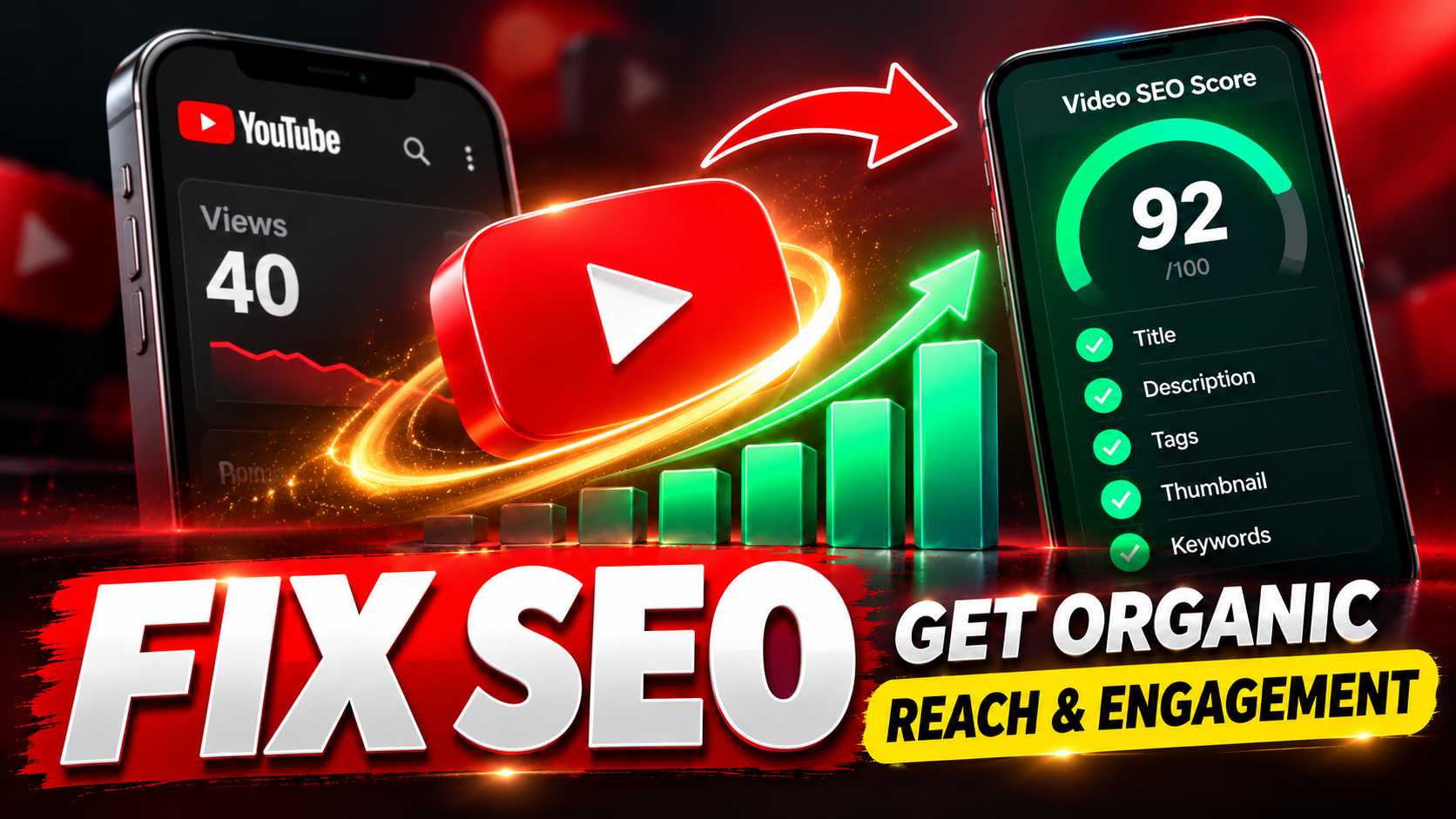
It's 11pm. You've just spent four hours editing a video that — if your last three uploads are anything to go by — will get about 40 views. And somewhere behind the render bar, a quiet question keeps getting louder: am I wasting my time?
You're not behind. You're working without leverage. In 2026, leverage on YouTube has a name — AI. Not the kind that makes videos for you, but the kind that makes every decision around your video smarter: what to film, how to package it, when to post it, and what to fix afterwards.
The short answer: using AI to grow a YouTube channel in 2026 means putting AI on the decisions surrounding your content — topic research, titles, thumbnails, scripts, upload timing, and post-publish audits — while you remain the voice, face, and judgment of the channel. Creators who do this ship faster and guess less. Creators who don't are competing against them.
Why 2026 Is the Year the Gap Opens
Picture two creators in the same niche, both uploading twice a week, both putting in honest effort. One picks topics by scrolling other channels, writes a title in the upload screen, and picks a thumbnail on gut feel. The other checks live search demand before filming, tests five titles against intent, and knows the predicted click-through rate of a thumbnail before it ever goes live.
Over one video, the difference is small. Over fifty videos, it isn't. Growth on YouTube compounds — every video that finds its audience teaches the algorithm who to show your next one to. The creator making data-backed decisions isn't just getting more views today; they're building a channel the recommendation system understands.
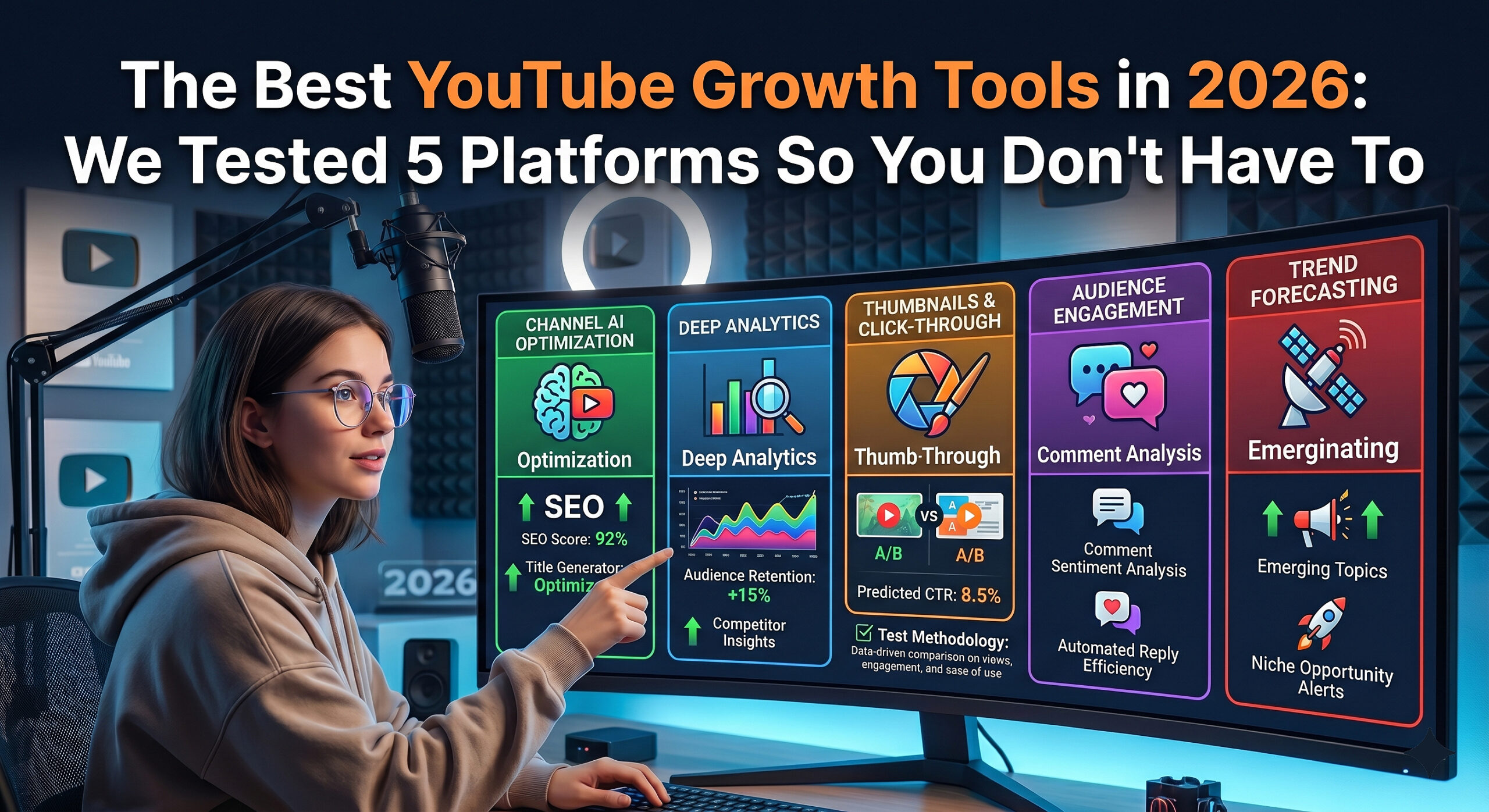
YouTube itself has spent the last two years shipping AI features across Studio, from idea inspiration to automated dubbing. The platform is telling creators, plainly, that AI-assisted workflows are the expected way to work. Earlier this year we tested five YouTube growth platforms head-to-head, and the pattern was unmistakable: the tools winning with small creators are the ones that treat AI as a research department, not a gimmick.
First, the Fear: Does YouTube Penalize AI Content?
Let's clear this up before the workflow, because it stops more creators than anything else.
No — YouTube penalizes AI slop, not AI assistance. The platform's monetization rules target inauthentic, mass-produced, low-effort content. Using AI to research topics, score titles, test thumbnails, or draft a script you then deliver in your own voice is not what those rules are aimed at. The line isn't whether you used AI — it's whether a human added real value on top.
The practical rule: if a viewer would feel cheated learning how a video was made, don't make it that way. If AI simply helped you make better decisions faster, you're on the right side of the line — the same side YouTube's own creator tools sit on. (The one hard requirement: realistic synthetic or altered footage must be disclosed in your upload settings.)
The Complete AI YouTube Workflow — Six Stages
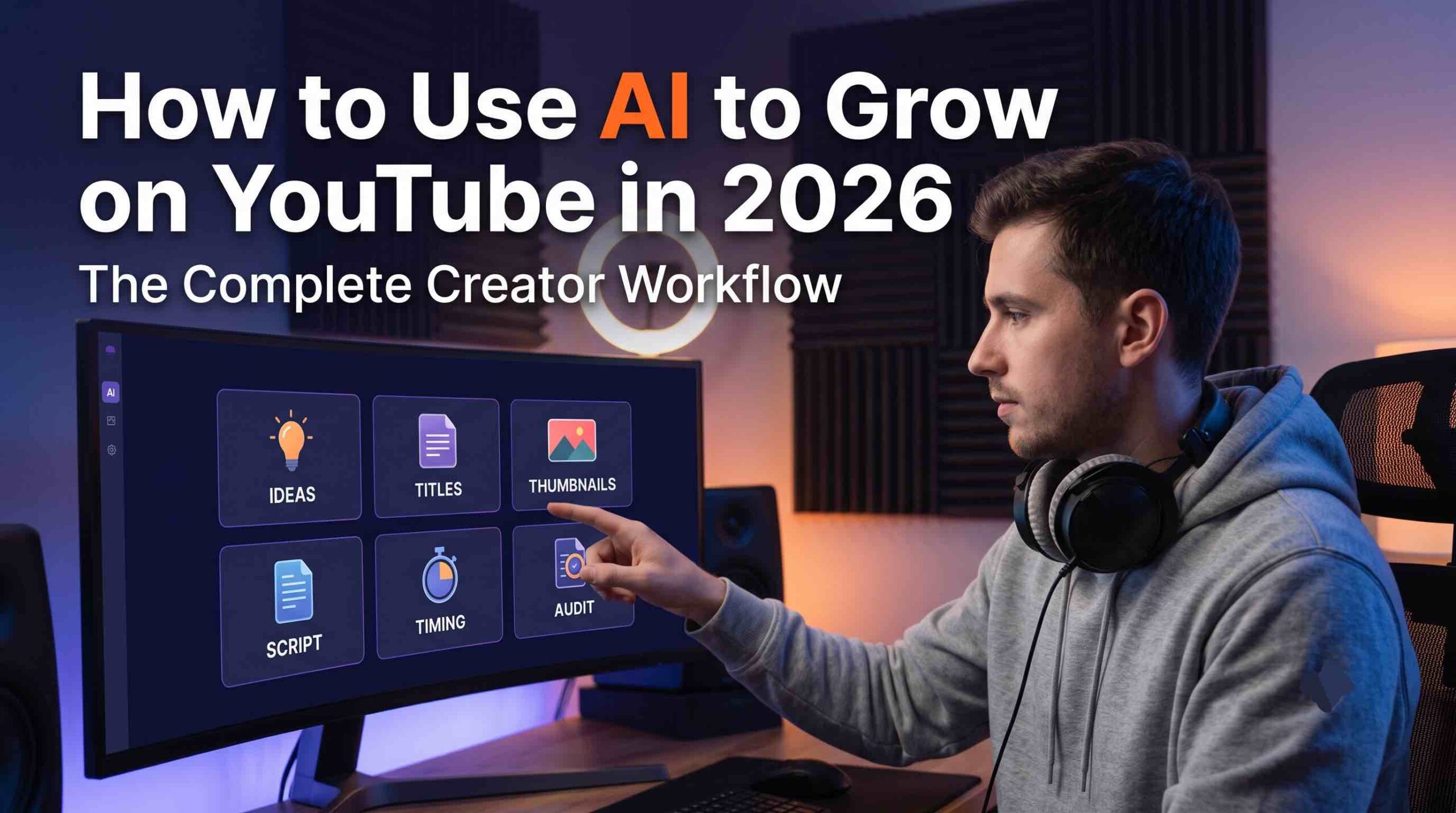
Here is the full loop, in the order that actually works. Most struggling channels don't fail from lack of effort — they fail from sequencing, doing all the thinking after the filming. AI flips the order.
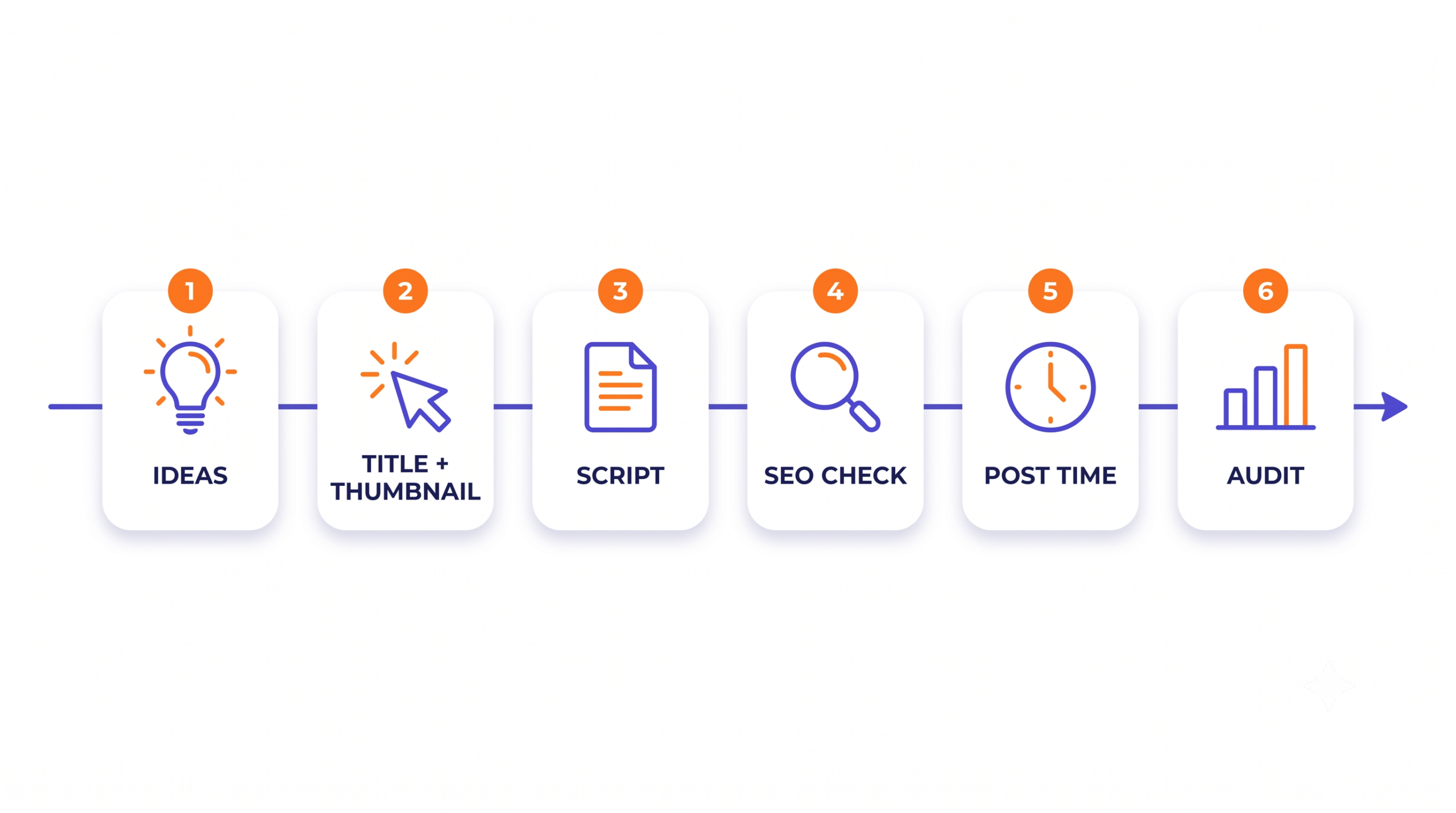
Stage 1 — Decide what to film with data, not vibes
"I don't know what to make videos about" is the most common sentence in creator communities, and it's rarely an ideas problem — it's a validation problem. You have ideas; you just can't tell which ones anyone is searching for.
This is the first place AI earns its keep. Tools like YouSEO read live search demand and surface trending topics and keywords in your niche before you commit a weekend to filming. Ten minutes of research replaces the old ritual of copying whatever the big channels did last month — and it's the foundation everything else in a YouTube growth strategy sits on. Film what people are already looking for, and the algorithm's job becomes connecting you, not discovering you.
Stage 2 — Package before you press record
Here's the move that separates 2026 workflows from 2020 ones: decide your title, your hook, and your thumbnail concept before filming a single frame. If you can't package the idea in a way that earns a click, that's information you want before the shoot, not after.
AI makes this a fifteen-minute exercise instead of a leap of faith. A title generator gives you options scored against what viewers actually type. A hook writer drafts opening lines built to survive the first ten seconds. And a thumbnail click score predicts CTR before you upload — so the thumbnail decision stops being "pick your favorite and hope." When packaging leads, the video underneath gets made with a promise it has to keep, which quietly improves the content itself.
Stage 3 — Script and record in one sitting
The blank page kills more upload schedules than burnout does. Use AI to generate the structured draft — the beats, the sections, the transitions — then do the one thing AI can't: rewrite it in your voice. The draft is scaffolding, not the performance. Read it off a teleprompter and a recording session that used to eat an evening fits inside an hour, with fewer retakes and a tighter delivery.
Stage 4 — Run an SEO pass before you upload
Most creators publish first and wonder later. Reverse it. An AI SEO analysis scores your title, description, and tags against the search terms you're targeting and hands you specific fixes while they're still cheap to make. It's the difference between hoping a video gets found and engineering it to be — and it's half the battle in how to get more views on YouTube at all.
Stage 5 — Post when your audience is actually awake
A small channel can't afford to waste a video's opening hours — that early window is when YouTube decides how widely to test your upload. Posting "whenever the export finishes" hands that window to chance. AI timing tools read when your viewers are active, not a generic best-practices chart, and turn publish time from an afterthought into an edge.
Stage 6 — Audit, learn, repeat
This stage is where growth actually lives. After every upload, run an audit: what was the click-through rate, where did retention dip, which fixes matter most? An AI audit turns a flop from a confidence hit into a checklist, and an AI coach turns your analytics from a wall of charts into plain-language next steps. Creators who close this loop improve every single upload. Creators who don't just accumulate uploads.
| Decision | The old way | The AI-assisted way |
|---|---|---|
| Finding a topic | Hours of scrolling other channels | Minutes against live search demand |
| Writing a title | Gut feel in the upload screen | Options scored against real search intent |
| Choosing a thumbnail | Pick your favorite and hope | Predicted CTR before upload |
| Scripting | Blank page and three tabs of notes | Structured draft you rewrite in your voice |
| Upload timing | "Whenever it's done" | Data on when your viewers are active |
| Learning from a flop | Re-watch it and guess | Scored audit with specific fixes |
Shorts Are Not a Side Quest
Treating Shorts like cropped leftovers of your long-form videos is the fastest way to fail at both. Shorts live in a different discovery system — a swipe feed where the first second is the thumbnail, hashtags and titles behave differently, and topics saturate in days rather than months.
That speed is exactly why AI matters more here, not less. Trending-topic detection tells you what's rising before it peaks. Shorts-specific title and hashtag generation packages each clip for the feed it actually lives in, and a Shorts SEO pass catches the small metadata mistakes that quietly cap views. If vertical is part of your plan — and for channels under 100K subscribers it should be — the full playbook is in this YouTube Shorts growth guide.
The Faceless Factor
The loudest proof of AI's role in 2026 is the rise of the faceless YouTube channel — channels built on research, scripting, voiceover, and editing rather than an on-camera personality. AI collapsed the production cost of that model, and some of the fastest-growing small channels this year run it. But notice what didn't change: the ones that grow still make sharp editorial calls about topics, pacing, and packaging. AI lowered the floor. Judgment still sets the ceiling.
What AI Still Can't Do for You
An honest workflow guide owes you the limits, so here they are.
- AI can't give you taste. It can score ten titles; it can't tell you which one only you would say.
- AI can't be the reason people click. Viewers subscribe to a person or a promise, not a workflow.
- AI can't show up for you. Consistency — the single biggest growth factor for channels under 10K subscribers — is still yours to deliver.
- AI can't make people care. It narrows your decisions and removes wasted effort. The spark is still the creator's job.
Anyone promising that AI alone will blow up your channel is selling you the 2026 version of "one weird trick." What AI genuinely does is quieter and more valuable: it stops you from wasting the effort that would have grown your channel anyway.
Where YouSEO Fits — Full Transparency
YouSEO is built by our team here at Crinet Technologies — so read this section as a maker's perspective, not an independent review. YouSEO is a YouTube creator growth tool for beginner, small, and medium channels: 33 AI tools covering the entire workflow above — video, Shorts, audit, and analytics — in one web app, with Android and iOS apps alongside. It currently sits at over 900,000 installs with a 4.7★ rating from 42,000+ reviews on Google Play and 5.0★ on the App Store.
We built it for exactly one kind of creator: the one between zero and 100K subscribers who is doing everything themselves and needs the guesswork taken out. If that's you, youseo.app is where every stage of this workflow lives under one roof.
FAQ: Using AI for YouTube in 2026
Does YouTube penalize AI-generated content?
No. YouTube's rules target inauthentic, mass-produced, low-effort content — not AI assistance. Using AI for research, titles, thumbnails, SEO, or script drafts you deliver yourself is standard practice in 2026. The one requirement is disclosing realistic synthetic or altered footage in your upload settings.
Can AI really predict whether a thumbnail will get clicks?
AI thumbnail scoring is a pattern-trained estimate, not a guarantee — it compares your image against traits of high-performing thumbnails and flags weaknesses before you upload. Its real value is as a filter: it reliably catches the thumbnails that would underperform, which is exactly the mistake small channels can't afford.
Should I let AI write my YouTube scripts?
Let AI write the draft; never let it write the delivery. A generated script solves structure — beats, transitions, pacing — and saves hours. Then rewrite it in your own voice and phrasing. Viewers stay for a person, and a script read verbatim from a machine sounds like one.
What's the best AI tool for a beginner YouTuber?
The best tool for a beginner is one that covers the whole loop — ideas, titles, thumbnails, SEO, timing, and audits — instead of forcing you to stitch together five apps. YouSEO was built specifically for creators between 0 and 100K subscribers with all 33 tools in one web app, while larger channels often run heavier enterprise suites. Match the tool to your channel's stage, not to what a 5M-subscriber channel uses.
How do I use AI for YouTube Shorts specifically?
Treat Shorts as their own surface: use AI to catch trending Shorts topics before they saturate, generate feed-native titles and hashtags, and run a Shorts-specific SEO pass before posting. The discovery system, pacing, and metadata rules all differ from long-form — our Shorts growth guide walks through the full system.
Final Thoughts
AI won't grow your YouTube channel. What it will do is make sure the effort you're already spending stops leaking — into topics nobody searches for, titles nobody clicks, and upload times nobody sees. Run the six stages on your next video: research before you film, package before you record, check before you publish, audit after you post. Do it for ten uploads and compare your channel to today's. That's the whole pitch — and it compounds.
Put AI to Work on Your Next Upload
YouSEO gives you 33 AI tools for ideas, titles, thumbnails, Shorts, and channel audits — built for creators between 0 and 100K subscribers.
Explore YouSEO →